01PlayFlux AI: Start with the deliverable
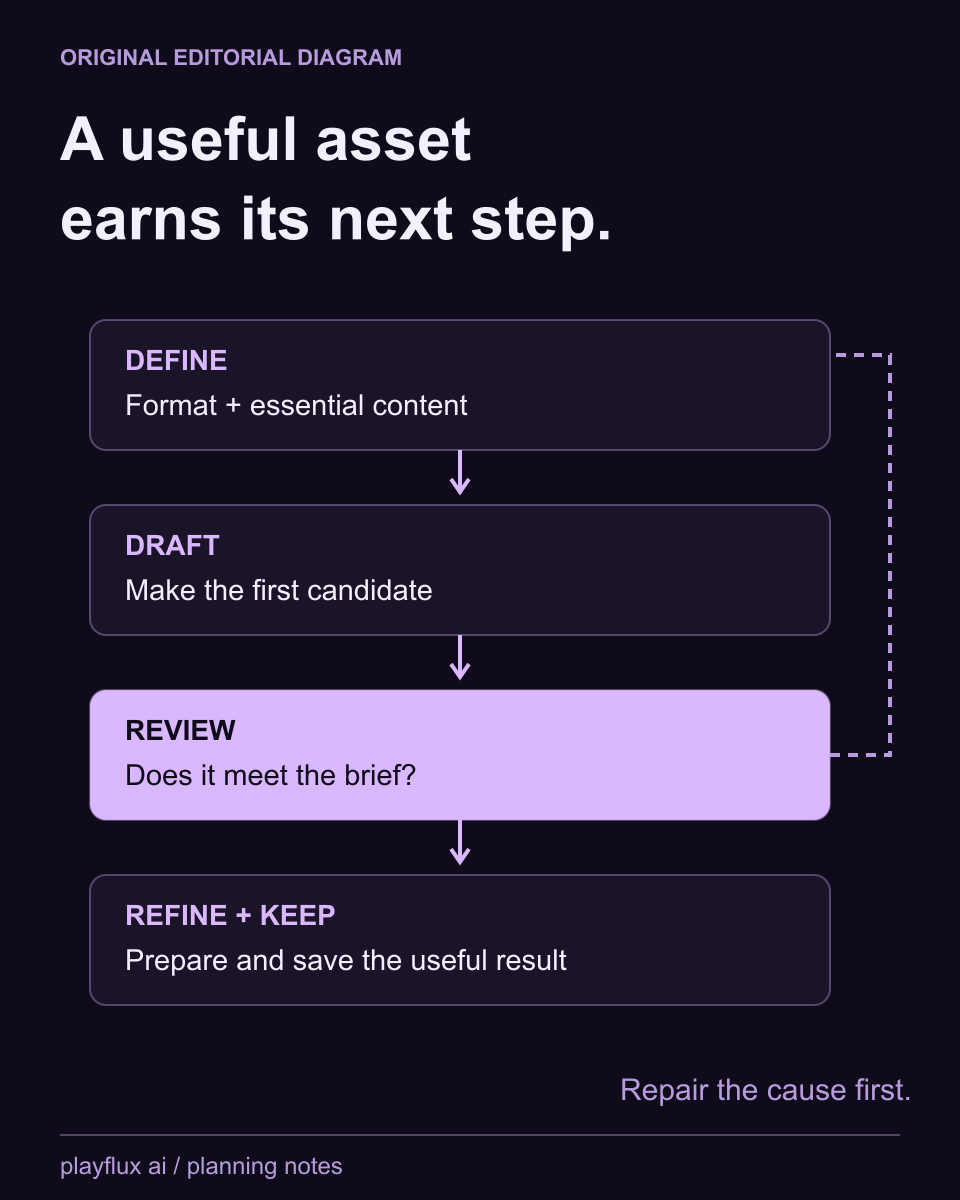
A PlayFlux AI project should name the final asset before choosing tools: one still, an edited picture or a short clip. That decision determines the necessary inputs and review stages. A PlayFlux AI workflow becomes easier to control when every step has a clear output to hand to the next.
Write the PlayFlux AI deliverable and acceptance criteria before requesting variations.
02PlayFlux AI: Make the brief specific enough to review
For PlayFlux AI, define the original adult subject, composition, setting and the detail that must stay consistent. Put planned changes in a separate line. When comparing PlayFlux AI attempts, this lets you identify whether a result solves the brief instead of judging only visual novelty.
Keep the PlayFlux AI accepted brief with the selected output and input permission.
03PlayFlux AI: Repair before expanding the pipeline
A PlayFlux AI still with an incorrect subject or crop should be repaired before becoming a motion input. Choose the smallest available edit that addresses the defect. Starting a later PlayFlux AI stage can add cost and complexity while carrying the same unwanted feature forward.
Inspect the PlayFlux AI starting frame before adding action or camera movement.
04PlayFlux AI: Estimate attempts by production stage
A PlayFlux AI estimate should count source preparation, generation and revisions in the applicable listed units. Keep accepted deliverables separate from discarded attempts. The PlayFlux AI planning tool shows how assumptions change the total; it does not predict a success rate or a final checkout price.
Update the PlayFlux AI estimate when the actual action cost or revision count differs.
05PlayFlux AI: Preserve a complete final copy
A finished PlayFlux AI project needs the accepted file, brief and relevant source material in a location you control. Inspect what was downloaded rather than relying on a preview. The PlayFlux AI storage conditions discussed below make a deliberate handoff more useful than assuming every generation stays accessible forever.
Keep the PlayFlux AI final asset separate from temporary experiments and rejected attempts.
06PlayFlux AI: Choose the next workflow by its controls
When comparing PlayFlux AI with a model library or another creator, identify which control the project needs. Reproducible parameters, focused edits and motion inputs serve different jobs. A PlayFlux AI feature comparison should explain those jobs without inventing a tested quality winner or universal reuse license.
Follow the PlayFlux AI comparison that matches your next production decision and inspect its sources.